Stop retyping text that already exists. This free image to text converter pulls readable content directly out of your images and turns it into clean editable text within seconds. Upload a file, paste a link, or capture directly from your camera and get instant results.
Upload Image
Options
Need to pull text from a PDF instead of an image? Use our PDF to Text Converter to extract editable text just as easily.
Stop Retyping – Pull Text Straight Out of Any Image
Important text trapped inside images, screenshots, and scanned documents is frustrating to deal with manually. This tool breaks that barrier by extracting every word from your image and converting it into a fully editable and copyable format instantly.
It supports all popular image formats including JPG, PNG, and WEBP so you can process virtually any image without compatibility issues.
Intelligent Text Extraction That Cleans Itself Automatically
This tool does more than just pull raw text. Built in cleanup features automatically remove unnecessary spaces, fix formatting errors, and deliver output that is clean and ready to use without any extra editing. Choose between plain text or formatted output depending on what your workflow requires and get results that are accurate every single time.
One Tool That Works for Everyone and Every Purpose
Whether you are digitizing handwritten notes, extracting data from scanned documents, copying text from screenshots, or pulling information from photos, this tool handles every real world use case with ease.
It eliminates manual typing completely and saves you valuable time across every task and project you work on daily.
After extracting text from images, you can refine and clean your content using our Smart Text Cleaner for better readability and formatting.
What Makes This Image to Text Tool Worth Using?
- Extract accurate text from images within seconds of uploading.
- Process multiple images at once for faster and more efficient results.
- Upload via file, camera capture, or direct image URL with equal ease.
- Get clean and properly formatted text output every time without extra editing.
- Copy your extracted text instantly or download it as a file for later use.
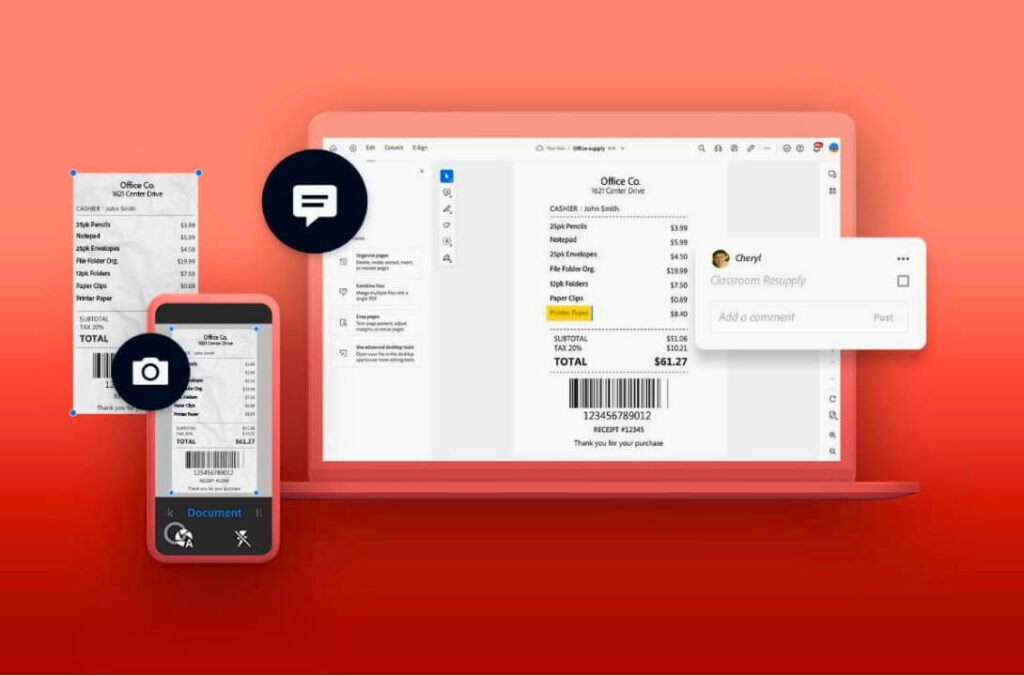
Real Situations Where This Tool Saves You Hours
- Convert handwritten or printed notes into fully editable digital text.
- Copy important information directly from screenshots without retyping.
- Digitize scanned documents and printed content for easier access.
- Extract data from photos, receipts, business cards, and other visual content.
Work Smarter Not Harder With Automated Text Extraction
Manual retyping is one of the biggest time wasters in any digital workflow. This tool automates the entire extraction process so you can focus your energy on tasks that actually matter. For the cleanest final result, run your extracted text through our Smart Text Cleaner to remove any remaining formatting issues and prepare your content for immediate use.
Quick Answers Before You Get Started
What exactly is an image to text converter?
It is a free online tool that uses smart text recognition technology to scan images and extract all readable content into a clean and fully editable text format.
Can I upload and process multiple images at once?
Yes. This tool supports multiple image uploads so you can extract text from several files in a single session without repeating the process individually.
Does it support different languages?
Yes. The tool automatically detects and processes text in multiple languages making it useful for users from all around the world.
Is the extracted text fully editable after conversion?
Absolutely. Once extracted your text is completely editable, copyable, and downloadable so you can use it however and wherever you need it.
Disclaimer
This tool is designed for personal and professional use only. We do not store, share, or retain any images or extracted text submitted through this tool.